receipts2
Easily send your receipts to FreeAgent
Email or upload a receipt, and receipts2 adds the details as an expense or a bank transaction
Consequat leo tellus
Consectetur
Fusce placerat
Habitasse
Penatibu magnis
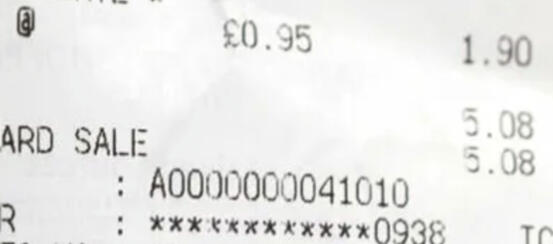
Eu turpis
Untitled


| How do I sign up? |
|---|
Forward a receipt to [email protected]. We reply with a magic link to a trial dashboard where your receipt is already extracted and waiting for review. No signup form, no card up front. //You can even send 5 receipts to FreeAgent for free, then it’s £8 per month for as many as you need. |
| What does Receipts 2 do that I can’t do in FreeAgent already? |
|---|
| FreeAgent has no way to forward a receipt by email and have it land as an expense. Receipts 2 fills that gap. Forward an email, your receipt is extracted and pushed to FreeAgent ready to send. |
| Do I need a FreeAgent account? |
|---|
| Yes – Receipts 2 is for sending your data into FreeAgent. You'll connect your account on the Receipts 2 dashboard. |
| How do I connect my FreeAgent account? |
|---|
| On the trial dashboard, click "Connect FreeAgent" and you'll be taken to FreeAgent to grant permission for Receipts 2 to add data to your FreeAgent account. Enter your FreeAgent password on the FreeAgent screen, and you're good to go. |
| How do I get my receipts into Receipts 2? |
|---|
| Upload – drag and drop any receipt from your computer onto the Receipts 2 dashboard. // Email – forward receipts to the secret Receipts 2 email address that you get assigned. // Email rules – set up an email rule in your email inbox to auto-forward inbound receipts to your secret Receipts 2 email address, without you lifting a finger! |